

Fiddyscript – Detailed Description
AI Content Assistant for powerful content creation, editing, and management on desktop and mobile.
Google Play Store
Windows
Contents
1. Overview
Fiddyscript is an AI-powered content assistant that helps individuals and businesses create, edit, and manage professional content across ads, social media, blogs, emails, video scripts, and more. It combines structured prompt templates, an AI chat assistant, a content editor, text-to-speech, humanization tools, and task planning in one place—available as a Windows desktop application and a mobile app on the Google Play Store.
The app uses the OpenRouter API to access multiple AI models (including free and paid options), so you can choose the right model for each task. Settings, work plans, and API keys are stored persistently so your data survives app restarts and different environments.
The product is organized around twelve core tools—from templates and AI chat to research, media automation, and planning—described in detail in Section 3 and summarized in the table below.
1.1 Twelve core tools (at a glance)
These are the primary areas users work in when creating and shipping content. Names match the Windows desktop sidebar (where all twelve are available). Android includes most of these; a few advanced desktop-only integrations are called out in the table.
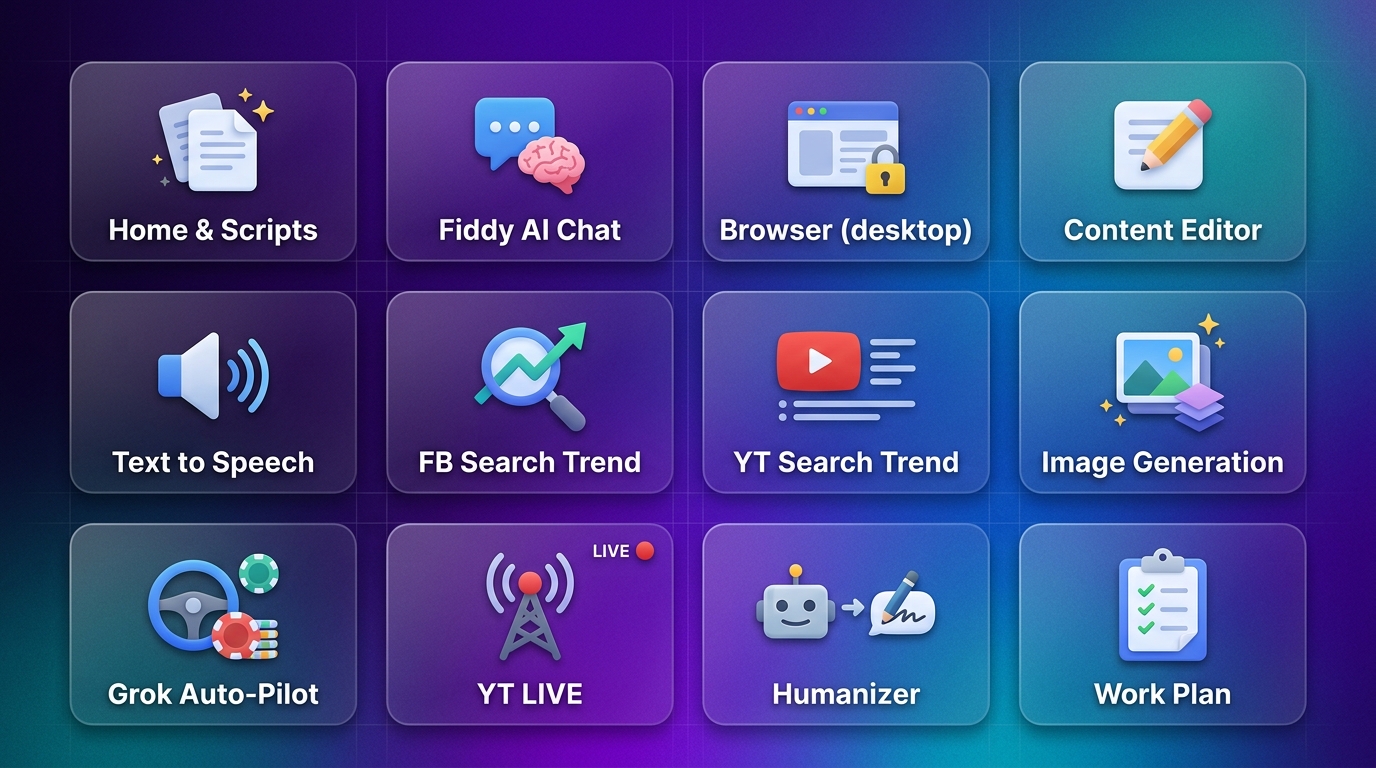
| # | Tool | Role | Windows | Android / Google Play |
|---|---|---|---|---|
| 1 | Home & Scripts | Dashboard, 132+ prompt templates by category | Yes | Yes |
| 2 | Fiddy AI Chat | Open-ended AI assistant (OpenRouter models) | Yes | Yes |
| 3 | Browser (desktop) | In-app secure browsing with session persistence | Yes | Yes (in-app browser / bookmarks) |
| 4 | Content Editor | Long-form editing, AI help, export (e.g. PPTX) | Yes | Yes |
| 5 | Text to Speech | Voiceovers (e.g. ElevenLabs), batch, SSML | Yes | Yes |
| 6 | FB Search Trend | Facebook search-intent / trend insights | Yes | Yes |
| 7 | YT Search Trend | YouTube autocomplete / search-intent analysis | Yes | No (Windows desktop app) |
| 8 | Image Generation | Bulk images via OpenRouter API or Google Flow automation | Yes | No (Windows desktop app) |
| 9 | Grok Auto-Pilot | Queued Grok Imagine / video-style generations | Yes | No (Windows desktop app) |
| 10 | YT LIVE | YouTube Queue Streamer (MP4 queue → live via FFmpeg) | Yes | No (Windows desktop app) |
| 11 | Humanizer | Rewrite AI-like text to sound natural | Yes | Yes |
| 12 | Work Plan | Tasks, deadlines, AI text & images per task | Yes | Yes |
Additional screens on all platforms: Tutorials, License Info, Help, and Settings (see Section 3.13).
Plans & pricing
NGN
USD · Billed at secure Paystack checkout
Pricing + Platinum UI v1 · TASK-011
Standard
$10
per year
- ✓ Core features
- ✓ Scripts & content editor
- ✓ Fiddy AI Chat
- ✓ Work plan & TTS
- ✓ Web only
Pay with Paystack
Premium
per year
- ✓ Everything in Standard
- ✓ Humanizer
- ✓ Higher limits
- ✓ Priority support
- ✓ Android & Web
- ✓ Available on Play Store
Pay with Paystack
Ultimate
Subscription
Monthly
$40
per year · billed annually
- ✓ Everything in Premium
- ✓ FB Search Trend (desktop)
- ✓ YT Search Trend (desktop)
- ✓ Grok Auto Pilot (desktop)
- ✓ In-app browser (desktop)
- ✓ Unlimited use
- ✓ Android, Web & Desktop
Subscribe with Paystack
Platinum Lifetime
Pay once · Ultimate access
$149
one-time · launch-limited · 30-day refund
- ✓ Ultimate-level access forever
- ✓ Desktop, Web & Android
- ✓ No renewal · no expiry
- ✓ Launch-limited offer
Pay once with Paystack
7-day free trial · 30-day money-back guarantee
2. Availability (Google Play & Windows)
- Windows – Full desktop app (Electron) with all twelve core tools: Home & Scripts, Fiddy AI Chat, Browser, Content Editor, Text to Speech, FB Search Trend, YT Search Trend, Image Generation, Grok Auto-Pilot, YT LIVE, Humanizer, and Work Plan—plus Tutorials, License Info, Help, and Settings. Install once and use offline-capable features with optional updates.
- Google Play Store – Mobile app (React Native / Expo) with the same template and AI workflow philosophy: Scripts (132+ forms), Fiddy AI Chat, Content Editor, Text to Speech, FB Search Trend, Humanizer, Work Plan, in-app Browser access, Tutorials, License Info, Help, and Settings. YT Search Trend, Image Generation, Grok Auto-Pilot, and YT LIVE are not included on Android; use the Windows desktop app for those. Touch-optimized, with license validation and optional dark theme.
Both platforms share the same content philosophy: template-based prompts plus AI generation, so you can start on mobile and continue on desktop, or vice versa, depending on your workflow.
3. Features (Detailed)
3.1 Home & Scripts
The Home screen is the main dashboard. From here you choose a script type or category. Scripts are organized into a main menu with a submenu of content categories. Each category contains multiple prompt-based forms (e.g. “Facebook Ads”, “Blog Titles”, “Email Subject Lines”). You pick a form, answer the questions (topic, audience, tone, keywords, etc.), and the app builds a prompt for the AI to generate copy.
- Single dashboard to access all script types and categories.
- Search and filter to find the right template quickly.
- On desktop, choosing a script can open the Prompt Form alongside an embedded Browser so you can research and generate in one view.
3.2 Fiddy AI Chat
Fiddy AI Chat is a full conversational AI assistant powered by OpenRouter. You can use it for open-ended writing help, brainstorming, editing, or answering questions—separate from the template-based Scripts.
- Multiple AI models: choose from OpenRouter’s list (e.g. DeepSeek, GPT, Claude, and others); free and paid models supported.
- Default model can be set in Settings and is used across the app where applicable.
- Chat history: conversations are saved; you can open past chats, rename them, and search history.
- File attachments: send files (e.g. documents, images) in chat for context-aware responses.
- Multimodal support: models that return both text and images (e.g. image generation) are supported; images display inline with download and share options.
- Responsive UI: input is focusable as soon as the chat or model dropdown opens, and the chat view stays usable when switching from other sections (e.g. Browser).
Requires an OpenRouter API key (configured in Settings). Data and API key can be stored in the app’s user data folder so they persist across restarts.
3.3 Browser
The built-in Browser lets you open websites (including social media) inside the app with session persistence. On desktop, it appears as a dedicated view (“Secure Browser”) so you can research, log in once, and keep context while using Scripts or Fiddy AI Chat. When you leave the Browser section, the browser view is hidden so it does not overlap other panels (e.g. Fiddy AI Chat).
- Secure, in-app web view with URL bar.
- Session persistence for sites that require login.
- Clear separation from other sections to avoid UI overlap.
3.4 Content Editor
The Content Editor (Script Editor) is for writing and editing scripts or long-form content. It integrates with the same AI models (OpenRouter) for suggestions, expansions, and edits.
- Rich editing with support for headings, lists, blockquotes, code, and images (including markdown and inline images).
- AI assistance: generate or refine content from the editor using the selected model.
- “Add to Editor” from other features (e.g. Work Plan generated content or AI Chat) inserts content as markdown, including images.
- Export to PowerPoint (PPTX) for presentations.
- Writing tips and context-aware help where applicable.
3.5 Text to Speech (TTS)
Text to Speech turns written content into spoken audio. It supports multiple services and voice options for narration, videos, and accessibility.
- ElevenLabs integration: high-quality voices; API key configurable in Settings.
- Voice selection: choose from available voices; filter by age, gender, accent; search by name.
- Controls: playback speed (rate), pitch, and volume.
- SSML support for advanced prosody and emphasis.
- Batch processing: convert multiple texts to audio with progress tracking.
- Emotion and intensity options for more expressive output.
- Voice cloning: create and use custom cloned voices (stored locally where applicable).
- History: previous TTS outputs saved for replay and reuse.
- Text is saved (e.g. in localStorage) so you can return to it later.
3.6 FB Search Trend
FB Search Trend helps you explore and analyze search trends on Facebook. It is available from the main menu on both desktop and mobile.
- Enter keywords to discover what people search for on Facebook.
- Rate limiting (e.g. 5 searches per hour) to ensure fair use.
- Advanced search mode for deeper trend analysis.
- Optional in-app browser window during extraction (desktop).
- Login status check so you know if a Facebook session is active.
- Reports cleaned and formatted (e.g. markdown) for readability.
3.7 YT Search Trend
YT Search Trend captures YouTube search autocomplete suggestions for a keyword and uses AI (OpenRouter) to produce creator-focused reports: video angles, hooks, titles, and SEO-style phrases grounded in what viewers type into search.
- Configurable suggestion language (multiple locales).
- Rate limiting (e.g. 5 searches per rolling hour) for fair use.
- Requires an OpenRouter API key; reports are cleaned and formatted for reading.
- Windows desktop app (Electron)—not available in the web build’s reduced UI.
3.8 Image Generation
Image Generation is a bulk image workflow: queue many prompts, optional shared reference images, delays and batch rests, and an output folder on disk. It supports OpenRouter API mode (image-capable models) or Google Flow Automation mode with a controlled automation window.
